
Network Monitoring: The Difference Between Catching a Problem and Discovering a Disaster
Here’s a scenario that plays out in small businesses more often than anyone would like to admit. A server’s hard drive starts throwing errors at 11 p.m. on a Tuesday. Nobody’s there to see it. By Wednesday morning, files are corrupted, employees can’t log in, and the business owner is on the phone trying to figure out why “the network is down again.”
The frustrating part? That hard drive had been warning everyone for weeks. The signs were there. The problem is that no one was watching.
That’s the gap network monitoring fills. It’s the difference between catching a small problem on Tuesday night and explaining a disaster to your team on Wednesday morning.
What network monitoring actually is
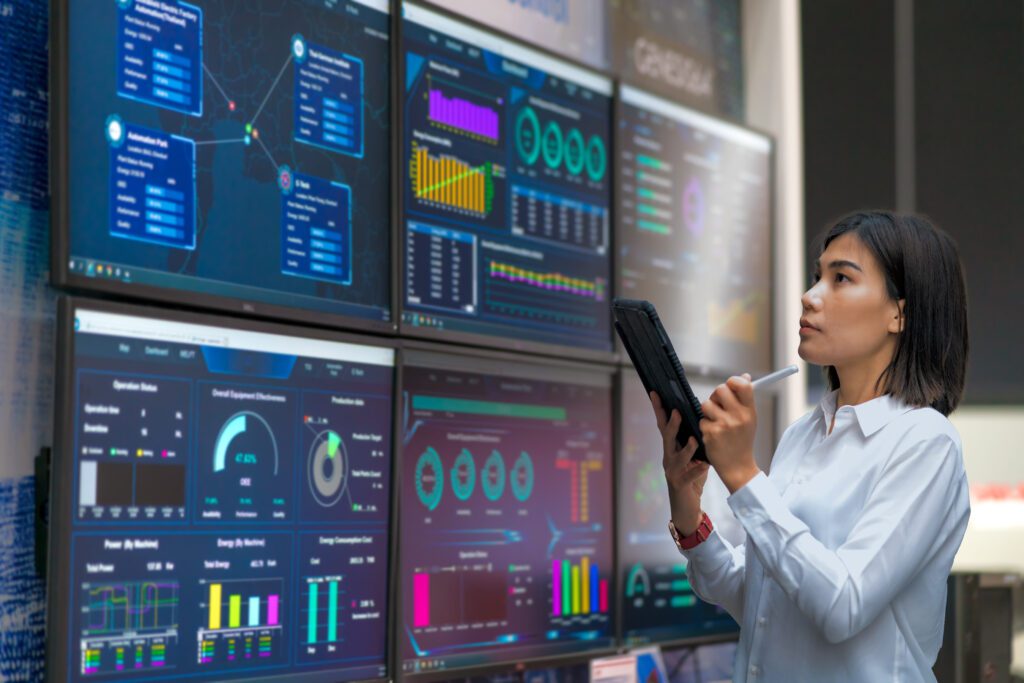
Network monitoring is software that continuously watches your IT infrastructure — servers, workstations, firewalls, switches, internet connections, cloud services, backups — and reports back on how everything is performing. When something starts to misbehave, it sends an alert. When something fails outright, it sends a bigger one.
Think of it as a check-engine light for every piece of technology your business depends on. Except instead of one light on your dashboard, there are hundreds of sensors quietly tracking things you’d otherwise never notice until they broke.
At NextGen Digital, we use NinjaOne to monitor client environments. It’s running 24/7 in the background, checking thousands of data points across every device we manage. We’re not staring at a screen all night — the system is. When it sees something concerning, it tells us.
What "something concerning" looks like
The kinds of things a good monitoring platform catches usually fall into a few buckets.
Hardware that’s about to fail. Hard drives, fans, and power supplies all give off warning signs before they die. SMART data on a drive will show increasing read errors days or weeks before the drive becomes unreadable. A failing fan will report higher temperatures. Catch these early and you replace a part on a Saturday morning. Miss them and you’re recovering from backup on a Monday.
Services that have stopped running. Your backup software is supposed to be running. So is your antivirus. So is the email connector that lets your CRM send notifications. When any of these silently stop working — which they sometimes do after an update or a reboot — monitoring catches it within minutes instead of you finding out two weeks later when something important goes wrong.
Disk space filling up. A server with a full disk crashes. Monitoring sees the trend, alerts at 80% capacity, and gives you time to clean up or expand before anything actually breaks.
Unusual network traffic. A workstation suddenly sending gigabytes of data to an unfamiliar server in another country is a red flag. Monitoring catches that.
Updates that didn’t install. Critical security patches sometimes fail silently. Monitoring flags which devices missed them, so they don’t sit unpatched for months.
Internet outages and slowdowns. When your ISP has a problem, you’ll know about it before your employees do.
Reactive support versus proactive support
There’s a meaningful distinction between two IT support models, and monitoring is what separates them.
In reactive support, things break and then someone fixes them. The phone rings, a ticket gets opened, a technician shows up. Nothing happens between calls. If your IT person isn’t on-site, they have no idea what’s happening on your network until you tell them something’s wrong.
In proactive support — which is what managed IT is built on — monitoring runs constantly. Most problems get caught and fixed before anyone notices. The phone doesn’t ring because the issue is already resolved.
We’ve had situations where a client emailed us asking how their morning was going, and we’d already replaced a failing drive in their server overnight. They didn’t know anything had been wrong because nothing had been wrong from their perspective. That’s the goal.
What it doesn't replace
Monitoring is a force multiplier, not magic. It tells you when something needs attention. It doesn’t fix things automatically (most of the time), and it doesn’t replace having someone competent looking at the alerts and deciding what to do.
This is where the “watching the watcher” question comes in. Plenty of businesses have monitoring software installed but no one actually reading the alerts. The system dutifully sends warnings to an inbox that nobody checks. When something finally fails dramatically enough to be noticed, the email history shows the system tried to warn everyone for three months.
For monitoring to be useful, somebody — internal IT, an MSP, or a hybrid arrangement — needs to be looking at it, triaging alerts, and acting on them. Alerts without action are just noise.
What gets monitored in a typical small business
A reasonably comprehensive monitoring setup for a 20-person business in the Upper Valley might include:
Every workstation (CPU, RAM, disk, antivirus status, patch status, encryption status). The server or servers (all of the above, plus services, event logs, backup status). The firewall (uptime, traffic patterns, blocked threats, VPN connections). The internet connection (uptime, bandwidth use, latency). The Microsoft 365 tenant (mailbox health, login anomalies, license usage). Backup jobs (success/failure, last successful backup, restore tests). Network switches and Wi-Fi access points (uptime, port errors, connected device counts).
That’s a lot. And it’s why automated monitoring matters — no human can or should check all of that manually every day. The software does the watching. Humans handle the decisions.
Why this matters for your business
Two reasons, mainly.
The first is uptime. Problems caught early get fixed quickly. Problems missed turn into outages. If your business loses $500 an hour when systems are down, every prevented outage pays for monitoring many times over.
The second is risk visibility. You can’t manage what you can’t see. Monitoring shows you the actual state of your IT environment — not what you think it is, not what it was six months ago when someone last looked, but what it is right now. That visibility is the foundation for everything else: security decisions, budget planning, capacity upgrades, compliance audits.
It also tends to change the relationship a business has with technology. When you have real visibility into your network, IT stops feeling like a black box that occasionally explodes and starts feeling like an asset you actually understand.
If you’re not sure whether your environment is being monitored — or whether anyone’s reading the alerts if it is — that’s worth finding out. We’re happy to walk through what monitoring looks like in our managed IT clients’ environments and what we’d recommend for yours. Give us a call at 603-448-2110.
